
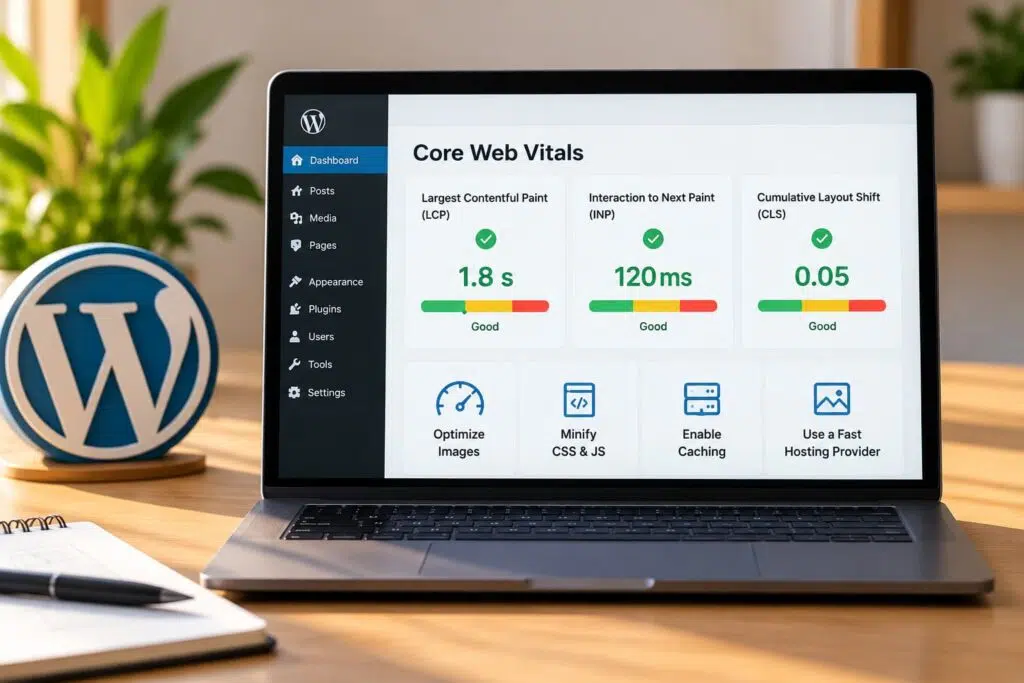
A visitor lands on your service page, waits two beats for the hero image to appear, then taps a button that doesn’t respond. Three seconds later they’re gone, and that lost call never shows up in your analytics as a lost sale. That specific moment is what Core Web Vitals try to measure. For WordPress site owners, it’s often the difference between a page that converts and one that quietly bleeds visitors. This guide walks through what each metric means, how to measure it honestly, and the practical fixes that move the needle on a real WordPress site.
What Core Web Vitals are and why they matter for your site
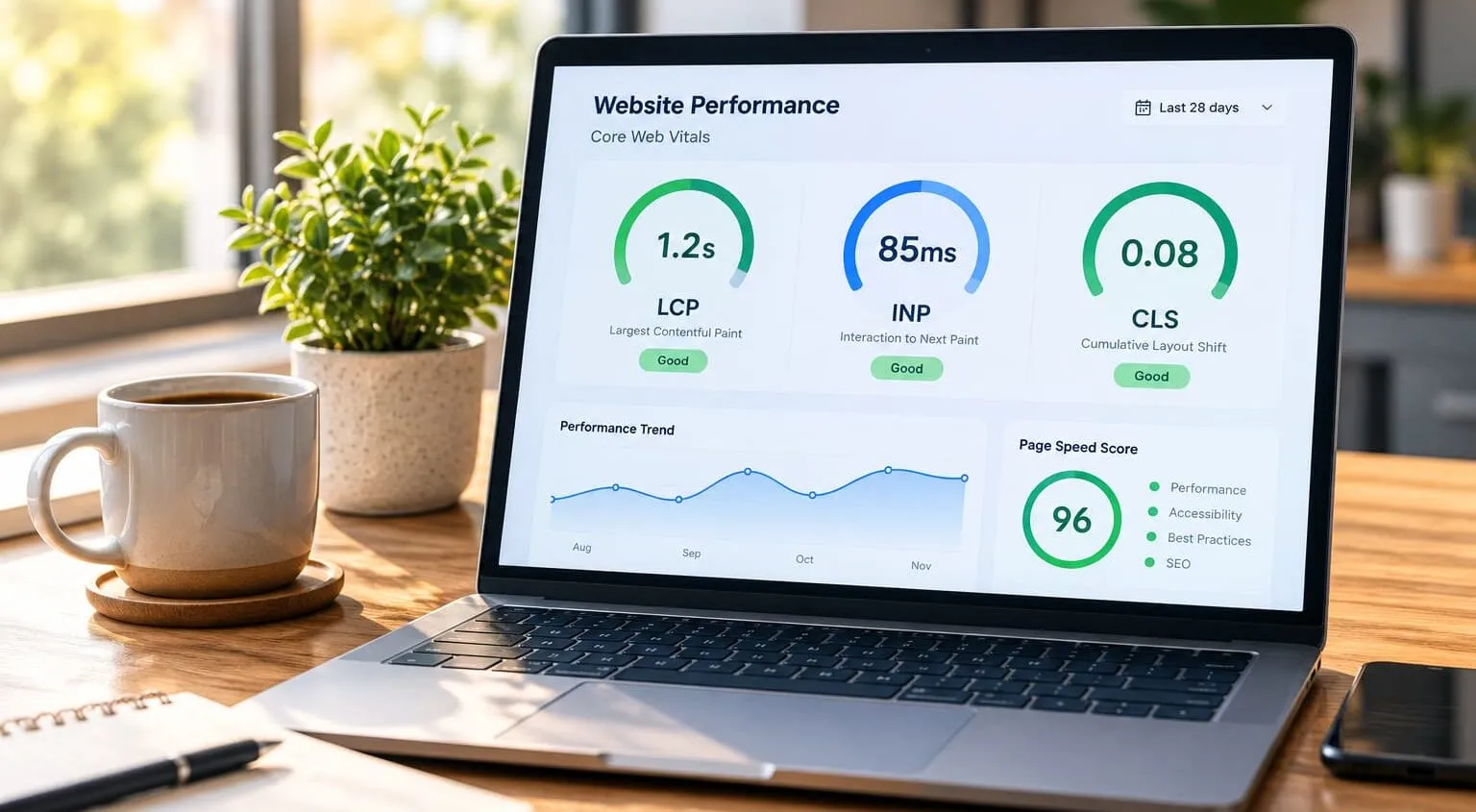
Core Web Vitals are three metrics Google uses to put a number on how a page feels to a real person: how fast the main content loads, how quickly it reacts to a click, and how much things jump around while loading. Those map to Largest Contentful Paint, Interaction to Next Paint, and Cumulative Layout Shift.
Google collects this data from real Chrome users and folds it into page experience signals. This matters for a small business for one reason. A slow or jumpy page with poor user experience sends people back to the search results before they ever read your offer. If you’re unsure where your own pages stand, you can book a free SEO consultation to get a clear read on what’s holding your site back.
Google’s own Core Web Vitals guide lays out the current thresholds and keeps them updated as the metrics change, and it doubles as Google’s official Core Web Vitals definitions for anyone who wants the source rather than a secondhand summary. Treat that as your source of truth, not third-party blog posts that may be years out of date.
Largest Contentful Paint (LCP) explained and what a good score looks like
Largest Contentful Paint measures how long it takes for the biggest visible element to render, usually a hero image, a video thumbnail, or a large block of heading text. That’s the moment a visitor feels the page has “arrived.”
The thresholds are clear. An LCP of 2.5 seconds or faster is good. Between 2.5 and 4 seconds needs improvement. Past 4 seconds, Google rates it poor. On most WordPress sites, slow LCP and weak load speed trace back to one of three culprits: oversized images, slow web hosting, or render-blocking resources that delay the main content.
Many assume a fast internet connection means fast LCP. In reality, loading performance is measured on the slower devices and networks your actual audience uses, which is why field data often looks worse than your own experience. Google’s PageSpeed Insights documentation explains how LCP is calculated and where the delays typically hide, and it pairs well with the broader technical SEO checklist if you want to see how loading speed fits into the rest of your site’s technical health.
Interaction to Next Paint (INP) explained and why it replaced FID
Interaction to Next Paint measures responsiveness. When someone taps a button, opens a menu, or types in a form, how long until the screen visibly responds? A good INP is under 200 milliseconds. Above 500 milliseconds is poor.
INP replaced First Input Delay in March 2024. The root cause of the switch was a real gap: FID only measured the delay on the first interaction, telling you almost nothing about how the page felt afterward. INP looks at interactivity across the entire session and reports the slowest meaningful response.
On a WordPress site, poor INP usually comes from heavy JavaScript, bloated plugins, and external scripts like chat widgets or ad networks tying up the browser’s main thread. The browser can’t respond to a click while it’s busy running that code, so interactions stall.

Cumulative Layout Shift (CLS) explained and common causes
Cumulative Layout Shift measures visual stability: how much the content jumps around as the page loads. You’ve felt this yourself. You go to tap a link, an ad loads above it, and suddenly you’ve clicked the wrong thing. A good CLS score is 0.1 or lower.
The usual causes on a WordPress site are predictable: images and videos inserted without width and height attributes, ads and iframes with no reserved space, web fonts that swap in after load and reflow the text, and content injected by plugins above existing elements.
The fix almost always comes down to reservation: telling the browser how much room an element needs before it arrives. When the space is already held, nothing shifts. CLS is one of the easier Core Web Vitals to fix because the causes are structural rather than performance-related, and most of them are one-time corrections in your theme or page builder, something covered in more depth in these WordPress-specific SEO tips.
How Core Web Vitals affect Google rankings and SEO
Here’s the honest version. Core Web Vitals are a confirmed Google ranking factor, but they sit inside the broader page experience signal, and page experience is a tiebreaker rather than a headline. Relevance and content quality still carry far more weight. Google Search Central’s guidance on Core Web Vitals and search ranking spells out exactly how these signals factor into search, directly from the people who built the algorithm.
What many businesses overlook is the second-order effect. Good Core Web Vitals scores can reduce bounce and abandonment, and lower bounce may help more of your existing search ranking convert into calls and form fills. The technical SEO work pays off in business outcomes, not just a cleaner Search Console dashboard.
Consider a local service business with pages ranking on page one but a 5-second LCP. Fixing loading performance rarely jumps them to position one, but it can help reduce the share of visitors who leave before the page finishes loading, and it may also support search ranking over time. For sustainable organic growth, treat Core Web Vitals as conversion insurance, not a ranking lever.
Tools to measure Core Web Vitals (PageSpeed Insights, Search Console, CrUX)
Three tools cover almost everything you need, and they serve different jobs.
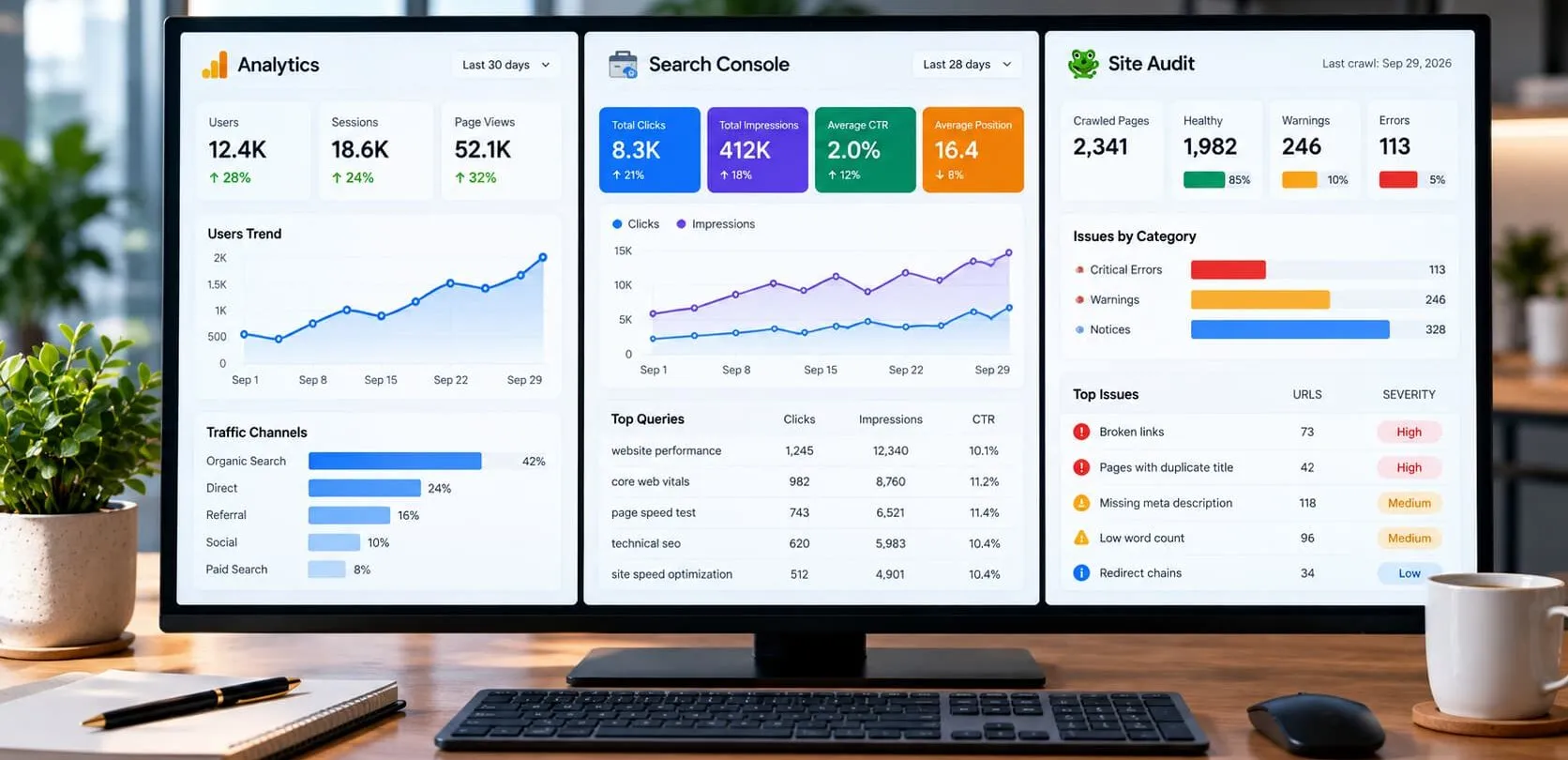
Google Search Console’s Core Web Vitals report is your starting point. It shows field data for your whole site, grouped by URL pattern, so you can see which page templates are failing rather than chasing one URL at a time.
PageSpeed Insights is the next stop. Run a single URL through it and you get both field data and lab data, plus specific diagnostics telling you which images, scripts, or styles are causing problems. The Lighthouse score inside it is useful for comparing before and after, but don’t treat it as gospel.
The Chrome UX Report (CrUX) is the real user monitoring dataset feeding the field numbers in both tools above, and checking Google Search Console alongside it rounds out the full picture. It’s the 28-day record of how actual Chrome visitors experienced your pages. When you want to track Core Web Vitals over time, that field data is what counts.
Diagnosing Core Web Vitals problems specific to WordPress sites
WordPress has its own failure patterns, and knowing them saves hours of guesswork. Start by separating lab data from field data. If PageSpeed Insights looks fine but Search Console flags the page, your test device is faster than your real audience.
Work template by template. A WordPress site renders pages from shared templates, so a single bloated header or footer can drag down hundreds of URLs at once. Fix the template, fix the whole group.
Audit your plugin stack next. Every active plugin can add CSS, JavaScript, and database queries, and many load their assets on every page whether that page uses them or not. Deactivate suspect WordPress plugins one at a time and re-test to isolate the offender. Your WordPress theme and page builder are usually among the largest contributors to both script weight and overall website performance, so check those before blaming smaller plugins.
Fixing LCP in WordPress: images, hosting, caching, and CDN
Attack LCP in this order:
- Compress and resize your largest images, then serve them in WebP or AVIF format using an image optimization plugin.
- Set the hero image to load eagerly and add explicit width and height so the browser reserves space for it.
- Install a caching plugin to serve static HTML instead of rebuilding each page on every request.
- Enable a CDN so images and assets load from a server near each visitor.
- Review your web hosting: cheap shared hosting with slow response times can cap your LCP no matter what else you fix.
- Minify CSS and JavaScript, trim unused code, and defer anything not needed for the first paint.
Order matters here because caching and a CDN cut server response time, while image optimization cuts download time, and LCP is the sum of both. For WordPress SEO consulting clients, slow hosting is the fix that gets skipped most often because it means switching providers, but it’s frequently a real ceiling on site speed.
Fixing CLS and INP in WordPress: scripts, fonts, and layout reservations
CLS and INP need different fixes, so handle them separately.
For CLS, reserve space before anything loads:
- Add width and height attributes to every image and video, or set an aspect-ratio in CSS.
- Reserve a fixed container height for ads, embeds, and iframes.
- Preload your web fonts and use `font-display: swap` with a matched fallback to reduce reflow.
- Stop plugins from injecting banners or notices above existing content.
For INP, reduce main-thread work:
- Remove or replace heavy WordPress plugins that load large JavaScript bundles on every page.
- Defer or delay external scripts like chat widgets, analytics, and ad tags until after interaction.
- Break up long JavaScript tasks so the browser can respond between them.
The browser can only do one thing at a time on the main thread. When it’s parsing a third-party script, your click waits in line. Trimming that script queue can help with interactivity.

WordPress plugins and themes that commonly hurt Core Web Vitals
Some categories of WordPress plugins reliably drag down scores. Page builders are a common offender: they add layers of wrapper divs and load their full CSS and JavaScript libraries on every page. Sliders and carousels pull in heavy scripts and shift layout as they initialize. Social feed widgets and live chat tools load external scripts that stall interactivity.
Picture a site running two caching plugins, three analytics scripts, and a page builder, all fighting each other, with no one certain which does what. This is often where dedicated website project management services pay for themselves, since untangling conflicting plugins and coordinating fixes across a live site takes more oversight than most business owners have time for.
Your WordPress theme matters just as much. A bloated multi-purpose theme loads code for features you’ll never use. A lean, well-coded theme gives you a head start on good Core Web Vitals scores before you optimize anything else. Audit ruthlessly: every plugin should earn its place, or it goes.
If your WordPress site is flagged across dozens of pages in the Core Web Vitals report and you’d rather fix the root cause than keep swapping plugins, Vineet Kukreti offers technical SEO audits and WordPress SEO consulting to pinpoint what may be slowing your pages down. Get a technical SEO review of your site to see which fixes could help improve user experience and conversions.
FAQs
Q1. What exactly are Core Web Vitals?
A1.
Core Web Vitals are three Google metrics that measure page loading speed (LCP), responsiveness to clicks or taps (INP), and visual stability (CLS). They’re meant to quantify how a real visitor experiences your page, not just how fast your server responds.
Q2. What counts as a good LCP score?
A2.
Google considers 2.5 seconds or less a good Largest Contentful Paint score, with anything up to 4 seconds rated ‘needs improvement’ and above that marked ‘poor.’ LCP tracks how long it takes the biggest visible element, usually a hero image or main heading, to render.
Q3. What are considered good scores across all three metrics?
A3.
A healthy site keeps LCP under 2.5 seconds, INP under 200 milliseconds, and CLS under 0.1. These three thresholds together are what Google uses to label a page’s experience as ‘good’ in Search Console.
Q4. Do Core Web Vitals actually affect my Google rankings?
A4.
They’re one of many ranking signals Google factors into Page Experience, but strong content and relevance still outweigh them in most cases. In my work with small business sites, fixing Core Web Vitals rarely moves rankings on its own; it tends to matter more for conversion rate and bounce once people land on the page.
Q5. Is it worth spending money to fix Core Web Vitals if my site already ranks okay?
A5.
If your rankings are already solid, chasing a perfect score is usually not the best use of a small budget; I’d prioritize it only if Search Console shows pages flagged ‘poor’ at scale. Where it does pay off is page abandonment: slow LCP and layout shifts drive visitors away before they ever call or fill out a form.
Q6. What if my Core Web Vitals pass in PageSpeed Insights but Search Console still flags issues?
A6.
PageSpeed Insights runs a lab test on a single load, while Search Console’s Core Web Vitals report uses real-world field data collected from actual visitors over 28 days. A page can test fine in the lab but fail in the field if real users are on slower connections or older devices than the test simulates.
Q7. What's the difference between INP and the old First Input Delay metric?
A7.
INP replaced First Input Delay as the official responsiveness metric in March 2024 because FID only measured the first click, while INP measures responsiveness across every interaction during a visit. This makes INP a more accurate reflection of how a page actually feels during use, not just on first contact.
Q8. How do I check my site's Core Web Vitals without hiring someone?
A8.
Google Search Console’s free Core Web Vitals report shows field data across your whole site, grouped by URL pattern, so you can see which templates are failing. PageSpeed Insights is a quicker one-URL check that pairs that same field data with lab diagnostics pointing to specific fixes.

Vineet Kukreti is an experienced SEO and project management expert with over 10 years of success helping small businesses grow. He has led SEO campaigns that improved Google rankings, increased website traffic, and strengthened local visibility. As a project manager, Vineet brings structure and efficiency to digital operations, ensuring smooth execution and measurable results. His combined expertise in SEO and business operations makes him a trusted partner for growth-focused businesses.