
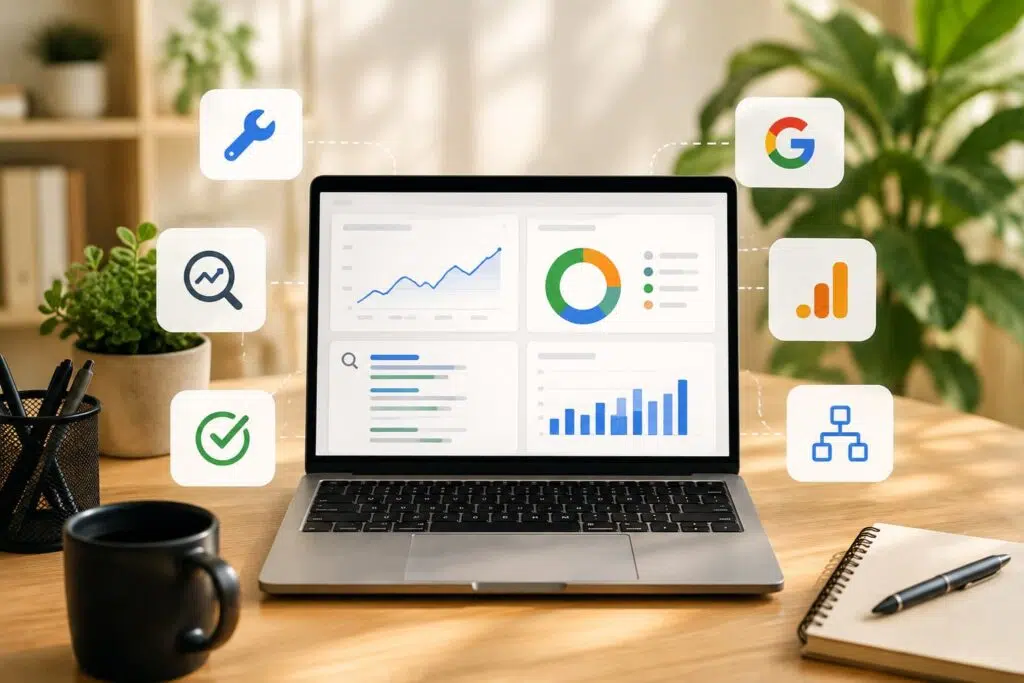
Most small business owners waste money on SEO software they never fully use. A founder will pay $99 a month for a platform with 40 features when they need exactly three. The three they need are often already free. Before you commit to a paid subscription, there’s a stack of free SEO tools that covers keyword research, technical audits, rank tracking, and the newer work of getting mentioned in AI answers. This guide walks through the ones worth your time, where they cap out, and how to combine them into something that works. You can explore my free SEO tools for small business owners as we go through each category.

Free on-page and site audit / SEO checker tools
Every SEO project starts with knowing what’s broken. A free SEO audit tells you which pages are missing title tags, where headings are duplicated, and which images have no alt text. Here’s why that matters: search engines read your page structure before they read your content. A messy structure buries good writing. If you’re new to the fundamentals, Google’s SEO Starter Guide is a solid reference for what these elements should look like.
For crawling, Screaming Frog’s free version handles up to 500 URLs, which covers most small brochure sites. It works as a broken link checker, a redirect checker, and a basic technical SEO tools scanner all at once. For on-page SEO checks on individual pages, the on-page SEO analyzer flags the same issues without a download.
Round it out with a speed check. Google’s PageSpeed Insights grades Core Web Vitals and points to scripts slowing your load time. Many assume a slow site only annoys visitors. In reality, page experience is a ranking factor, so speed problems quietly cost you search visibility. Among free SEO tools, run one SEO checker for structure, one for speed, and one crawler. Now you have a working SEO audit before spending a cent.
Free rank tracking and SERP tools
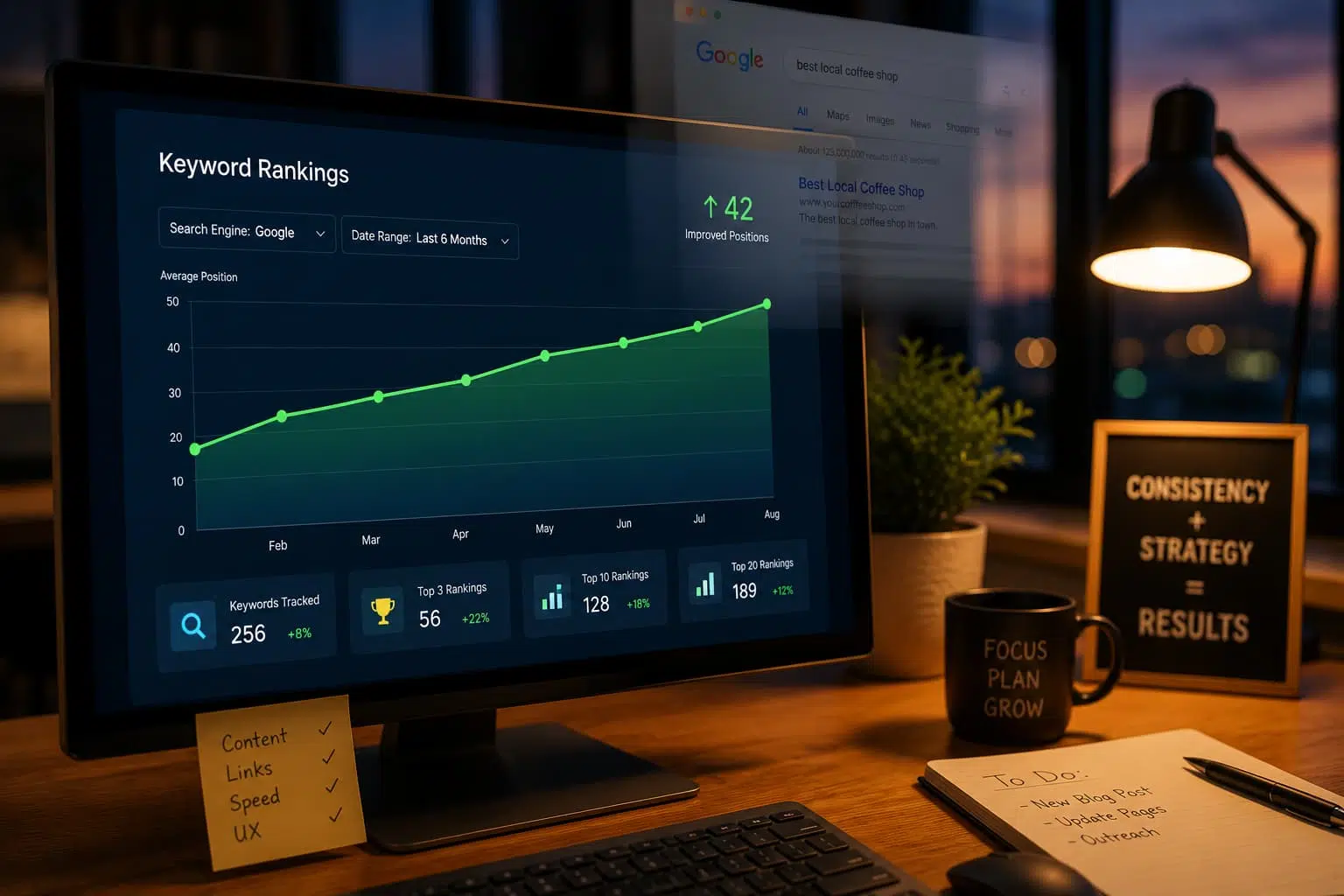
To know whether your work moves the needle, you need a rank checker. Free options exist, but they come with daily limits and less frequent updates than paid trackers. That’s fine for a small business tracking 10 to 20 keywords rather than thousands.
The most honest ranking checker is Google Search Console itself. It shows your average position for every query you already appear for, along with impressions and clicks. Third-party rank checker tools estimate position from a single location and device. Google Search Console reports real positions across all the searches that reached your site.
Pair rank tracking with a website traffic checker to see whether higher positions convert into organic traffic. For competitor and domain work, free tiers of tools like Ubersuggest add a backlink checker plus limited daily lookups. Google’s Search Central documentation explains how it calculates position data. It’s worth reading before you trust any external rank checker. When free vs paid SEO tools comes up, rank tracking is where paid platforms pull ahead, tracking more keywords, more often, from more locations. For DIY SEO on a small site, the free stack holds up.
Free AI search visibility / GEO tools
Search isn’t just ten blue links anymore. When someone asks ChatGPT or Google’s AI Overviews for a recommendation, your business either gets named or it doesn’t. This is where generative engine optimization, or GEO, changes the game, and most small business SEO advice hasn’t caught up.
An AI visibility checker tells you whether AI models mention your brand for the queries that matter. The mechanism is different from traditional ranking. AI systems build answers from sources they trust, so AI search visibility depends on being cited, not just indexed. My free tool for checking your AI search visibility lets you test specific prompts and see whether your site surfaces in AI-generated answers.
Here’s why it matters now: a growing share of buyer research happens inside AI chat interfaces. Traffic that used to land as a click may never arrive if the model answers without linking you. Running an AI visibility checker early gives you time to fix content and structure gaps before competitors claim those citations. Traffic alone isn’t enough. Being the answer AI hands back is the new front line for search visibility.
Free SERP snippet preview tools
Your title tag and meta description are the ad Google shows for free. Write them badly, and you rank fine, but nobody clicks. A SERP snippet preview shows exactly how your page looks in results before you publish, including where Google will cut your text.
The common trap is writing a 70-character title that looks perfect in your CMS. Then Google cuts it to roughly 60 characters and lops off your keyword. A SERP snippet generator catches this because it measures pixel width, not character count. That’s how Google actually decides where to trim. My free tool lets you preview how your listing appears in Google with desktop and mobile previews side by side.
Consider a local plumber whose homepage title read “Home | Best Plumbing Services Company in the Greater Metro Area and Suburbs.” Google cut it after “Best Plumbing Services,” so searchers never saw the city name that would have earned the click. A quick SERP snippet preview would have caught that in seconds. Use a SERP snippet generator on every important page, especially service and location pages where local SEO intent is strongest, and click-through feeds organic traffic.
Google’s own free tools (Search Console, Trends, Keyword Planner)
If you use nothing else, use Google’s tools. They’re free, and the data comes from the source instead of an estimate.
Google Search Console is the foundation. It shows every query bringing you impressions, your click-through rate per page, indexing errors, and mobile usability problems. No third-party tool can match this, because it reports what happened on Google, not a guess about it.
Google Keyword Planner, built for Google Ads, doubles as a free keyword generator and keyword research tool. It surfaces search volume and related terms straight from Google’s own query data, though it lacks a keyword difficulty checker. The one catch: without an active ad campaign, it shows volume in broad ranges rather than exact numbers.
Google Trends fills the gap Keyword Planner leaves. It reveals whether interest in a topic is rising or seasonal, which shapes what content you prioritize and when. A retailer selling patio furniture can see demand climb in early spring and plan content weeks ahead.
Together, these three cover keyword research, rank monitoring through Google Search Console, and forecasting. Pair a free keyword generator here with a separate keyword difficulty checker to gauge competition. For small businesses on a budget, this trio does a lot without the paid subscriptions people never fully learn.
Free schema markup generator (JSON-LD) for local businesses
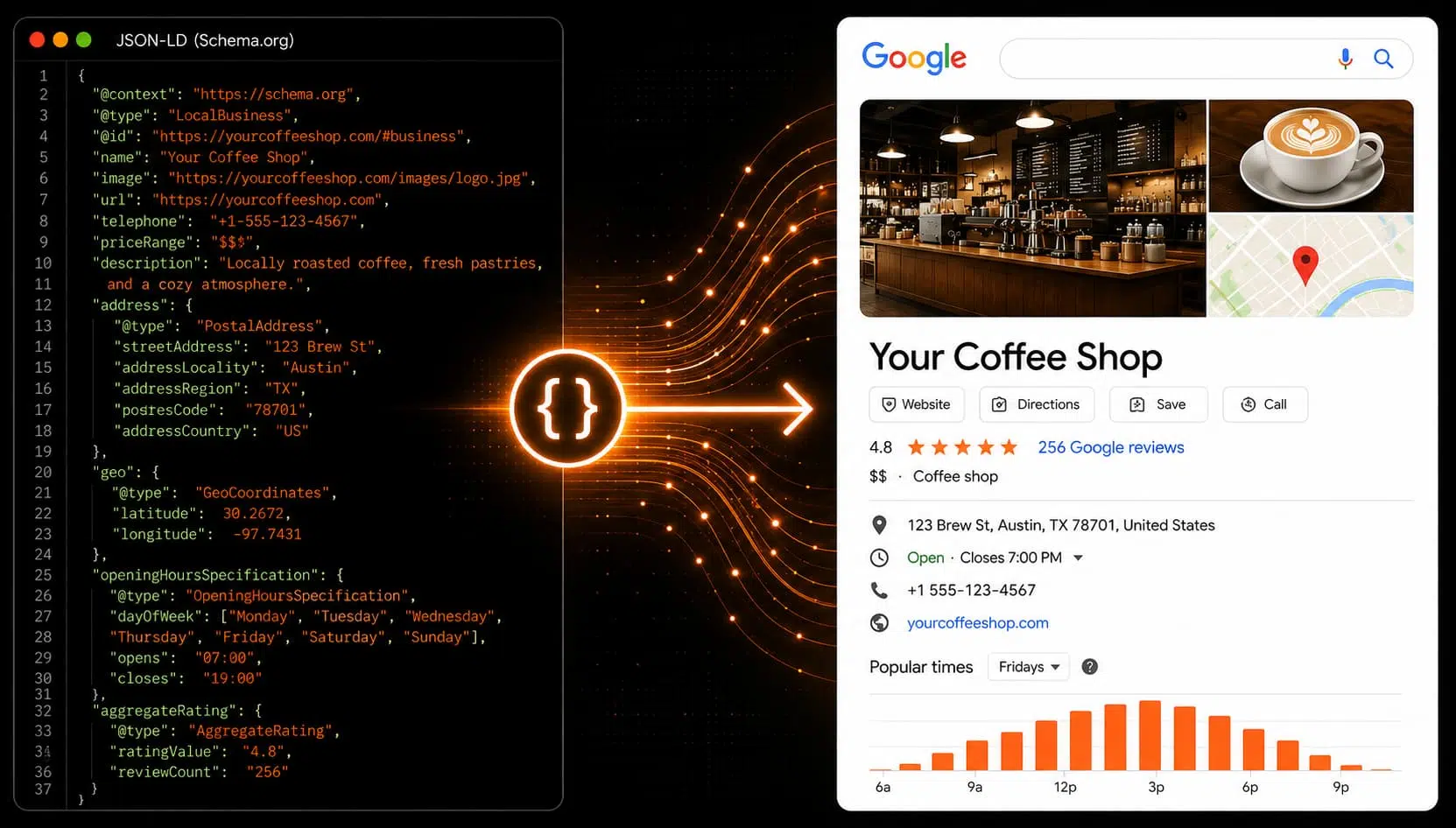
Schema markup is the code that tells Google what your content actually is: a business, a review, an FAQ, an event. Skip it, and you leave rich results on the table. For a local business, that means missing the star ratings and business details that make listings stand out.
A schema markup generator writes the code for you. You fill in fields, and it outputs clean JSON-LD you paste into your page head. Here’s why JSON-LD is the format to use: Google recommends it over older microdata, and it lives separately from your visible content, so it won’t break your layout. Once you’ve added it, you can confirm it’s valid with Google’s Rich Results Test before going live.
Schema won’t rank a bad page, but it makes a good page eligible for features that can raise click-through. Among free SEO tools for small business SEO, a schema markup generator returns strong value, and it takes minutes.
Free llms.txt generator and AI answer visibility for small businesses
An llms.txt file is a simple text file that tells AI crawlers which pages best represent your business and how to summarize them. Think of it as a robots.txt for the AI era, guiding language models toward your best content instead of leaving them to guess.
Here’s why it’s worth doing now: AI systems increasingly decide what to cite based on how easily they can parse a site. A clean llms.txt file makes it easier for a model to understand your offerings, which can improve the odds it names you in an answer. An llms.txt generator builds this file from your key URLs so you don’t have to format it by hand.
For small business SEO, this connects directly to AI search visibility. If a prospect asks an AI which local accountants serve small businesses, firms with structured, accessible content have a real advantage. With millions of firms competing for attention, as U.S. Census Bureau data on small businesses shows, that structural edge matters. My free llms.txt generator produces a ready-to-upload file in a couple of minutes.
This is early-stage work, and standards are still forming. But claiming your AI search visibility now costs nothing and positions you ahead of competitors who don’t know llms.txt exists yet.
Free SEO prompt library for using ChatGPT and Claude on SEO tasks
ChatGPT and Claude speed up SEO work, but only if you ask the right questions. A vague prompt returns generic filler. A specific one returns a usable content brief, title variations, or a keyword cluster you can act on.
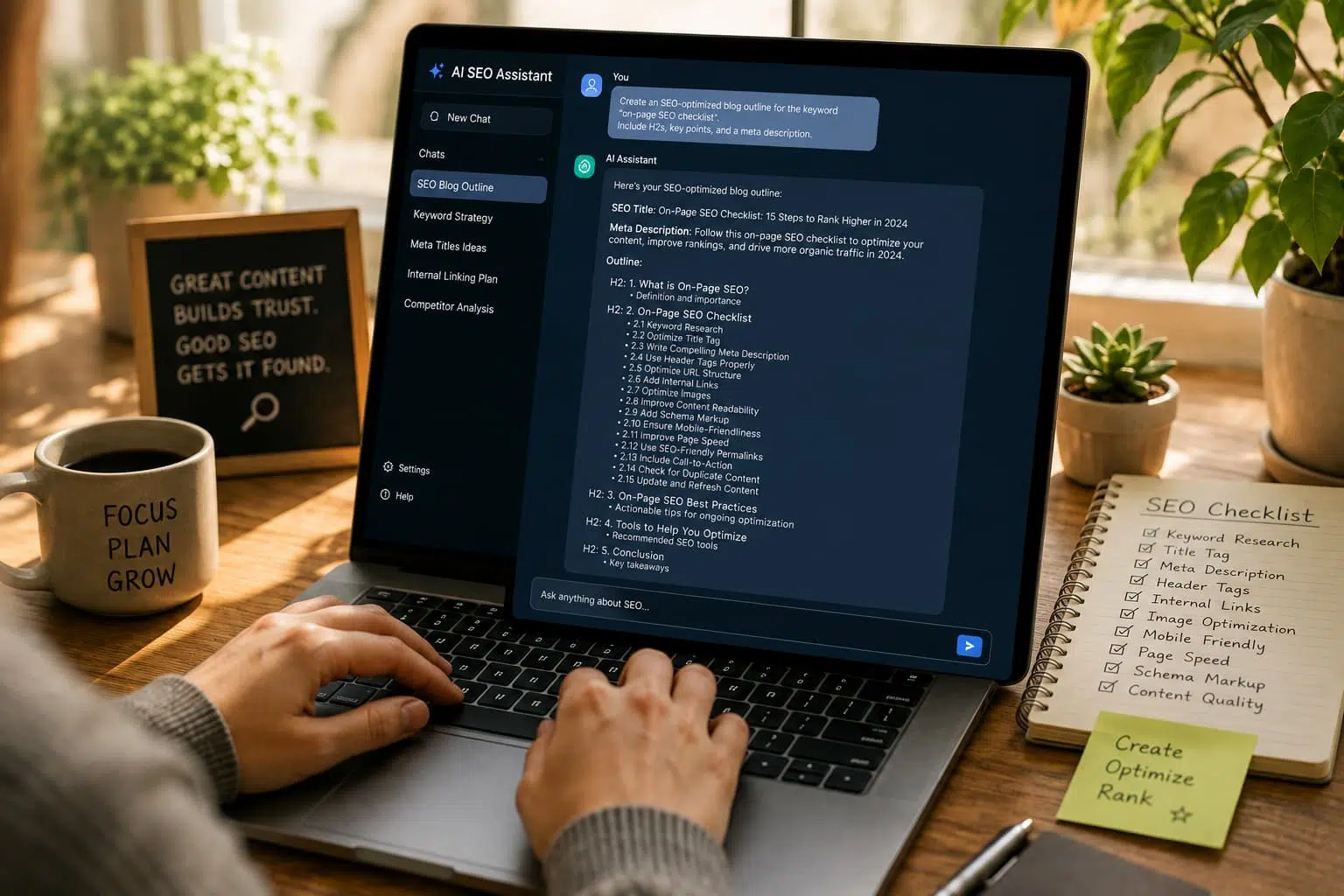
That’s the point of an SEO prompt library: tested, reusable AI SEO prompts for the tasks that eat your time. Content briefs, metadata drafting, FAQ generation, topic clustering, and internal or external link building ideas all respond well to structured prompts. My free SEO prompt library gives you these prompts ready to copy.
Here’s the honest limit. Language models can’t crawl your site, pull live search volume, run a keyword difficulty checker, or verify a ranking. They generate plausible text, and sometimes it is wrong. So use AI SEO prompts to draft outreach and link-building angles, then check facts against Google Search Console, your keyword tool, and a SERP snippet generator before publishing.
Used this way, AI-powered content tools cut hours off routine work without introducing errors into your live pages. For DIY SEO, the workflow is simple: AI drafts, data confirms, you decide.
Free SEO tools get you far, but they don’t tell you which fixes will actually move your business. If you’re piecing together a stack, including a backlink checker for link building, and you’re unsure where the real opportunities are, a strategic review can pinpoint what’s costing you leads and what to prioritize. Consider a full SEO audit for your small business, or book a free SEO consultation to talk through your priorities. You can also get your free discovery session with Vineet Kukreti to map a plan built around your site and market. Results vary based on competition, website condition, industry factors, and implementation.
FAQs
Q1. Which free SEO tool should I start with?
A1.
Google Search Console is the standard starting point because it pulls performance data directly from Google, showing your actual search queries, click-through rates, and indexing issues. Pair it with Google PageSpeed Insights for site speed and Google Keyword Planner for search volume, and you have a functional free stack.
Q2. Can I actually do SEO on my own without paying for anything?
A2.
Yes, for a small site you can handle keyword research, on-page optimization, and technical checks using free tools like Search Console, Keyword Planner, and a crawler such as Screaming Frog’s free version. The trade-off is time and manual effort, since free tools rarely automate competitor analysis or bulk audits.
Q3. Are free SEO tools actually worth it, or just a limited teaser for paid plans?
A3.
Free tools cover the essentials: keyword suggestions, site audits, and rank monitoring, which is often enough for beginners and small-scale projects. The limitations are real, though: capped usage, restricted data, and missing features like deep backlink or competitor analysis found in Ahrefs, Semrush, or Moz Pro.
Q4. What's the catch with a 'free' tool like Screaming Frog?
A4.
Screaming Frog’s free version crawls up to 500 URLs, which is fine for a small brochure site but not for larger websites. Many free tools work this way: they offer full features, but usage caps or reduced data accuracy push you toward the paid tier once you scale.
Q5. Are free tools reliable enough for keyword research?
A5.
Free tools give you keyword suggestions, search volume, and basic competition data, which is enough to build early content strategy around real search intent. Just know that free options often show broader volume ranges and daily search limits, so cross-check numbers from Keyword Planner and Google Trends before committing.
Q6. Can ChatGPT handle my SEO for me?
A6.
ChatGPT is useful for drafting content briefs, generating title and meta variations, and clustering keyword ideas, but it can’t pull live search volume, crawl your site, or verify rankings. Treat it as a support tool alongside data-backed platforms like Search Console, not a replacement.
Q7. Which free tools let me check my site's SEO health quickly?
A7.
Google Search Console flags indexing and performance issues, PageSpeed Insights covers speed, and audit tools like Semrush’s Site Audit or an on-page analyzer catch technical and on-page problems. Using them together gives you a clear picture of what to fix first, at no cost.
Q8. Which free tools help improve my Google rankings specifically?
A8.
Search Console shows which queries you already rank near, Keyword Planner surfaces new terms to target, and PageSpeed Insights fixes speed issues that hurt page experience. Ranking improvement comes from acting on this data consistently, not from the tools themselves.

Vineet Kukreti is an experienced SEO and project management expert with over 10 years of success helping small businesses grow. He has led SEO campaigns that improved Google rankings, increased website traffic, and strengthened local visibility. As a project manager, Vineet brings structure and efficiency to digital operations, ensuring smooth execution and measurable results. His combined expertise in SEO and business operations makes him a trusted partner for growth-focused businesses.